 Tryvo
TryvoBuyer flow
What your customers see — from the invitation email to the reward. Mobile-first, no account needed.
Your buyers don't need an account. Everything happens behind their personal invitation link:
https://tryvo.io/{en|de}/submission/brand/{brandId}/{token}The page always opens in the campaign's content language, and it's built for phones first.
Who gets invited
A buyer gets an invitation when all of these are true:
- they ordered a product that has a live campaign,
- the order was fulfilled in Shopify,
- they agreed to email marketing (at checkout or in their customer profile).
Tryvo creates the invitation immediately and sends a submission_invited event to your
Klaviyo account. Your Klaviyo flow sends the email with the link
({{ event.submission_url }}). Each order creates at most one invitation per campaign.
Buyers without marketing consent are skipped automatically — Tryvo never emails customers who didn't opt in.
Step by step
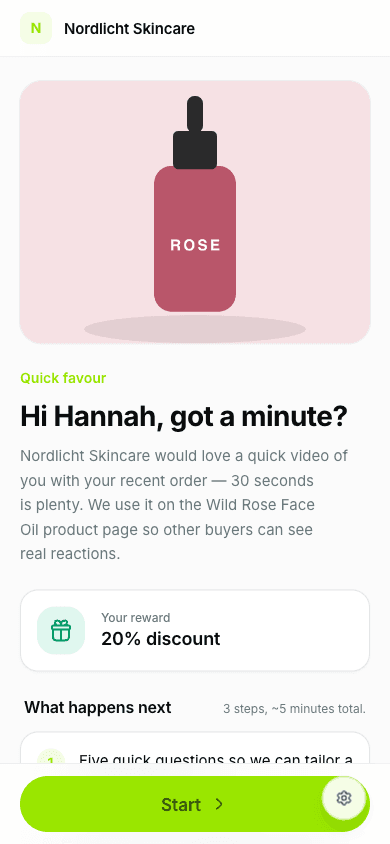
Landing page
Shows your brand, the product, the reward and how it works in three steps.
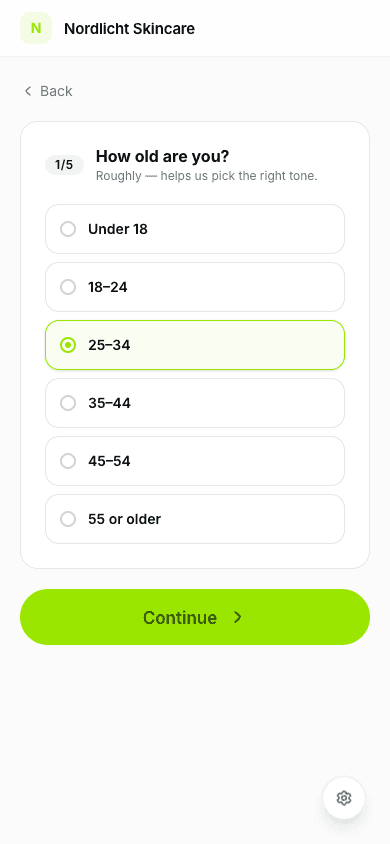
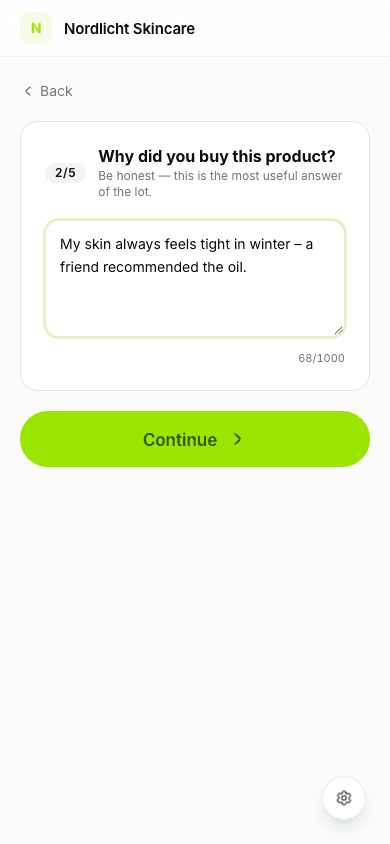
Five quick questions
- Age range
- Why they bought the product (in their own words)
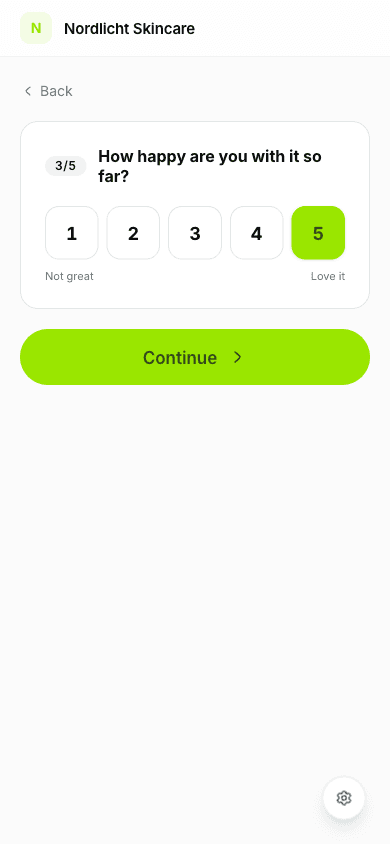
- How happy they are with it so far (1–5)
- Their life situation
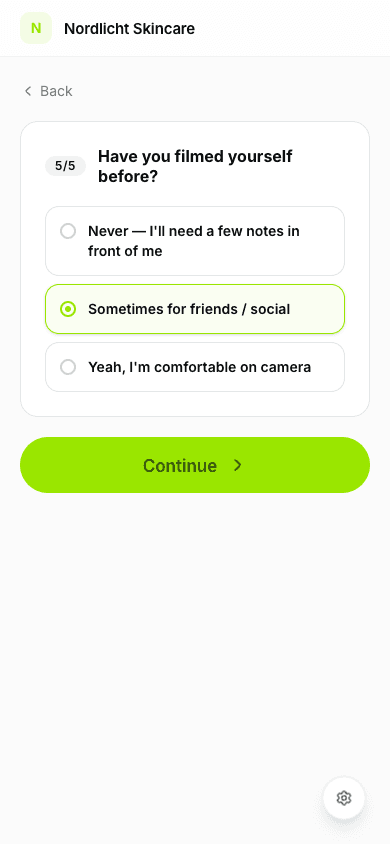
- Whether they've filmed themselves before
Answers are saved automatically, so buyers can leave and come back.
Their personal video idea
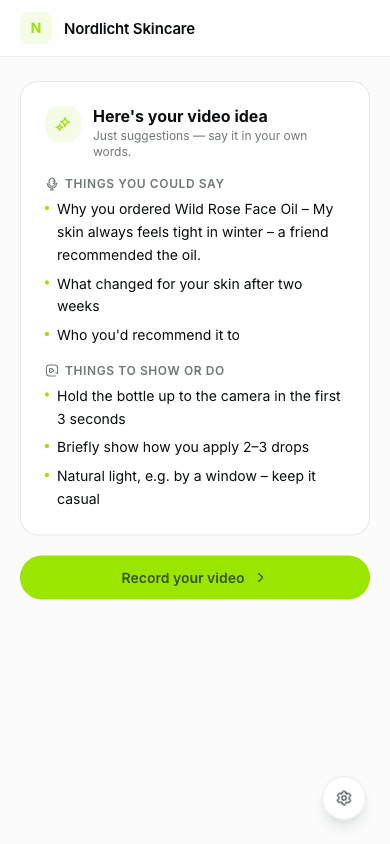
Tryvo matches the answers to one of your campaign's personas and angles and shows a video idea: things you could say and things to show or do. It's only a suggestion — buyers are encouraged to use their own words.
Upload the video
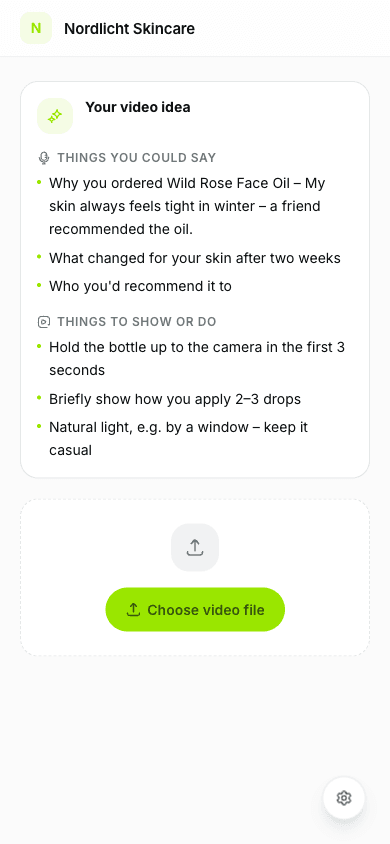
Buyers choose a video from their phone: up to 2 minutes and up to 2 GB, in MP4, MOV or WebM.
Done
The buyer sees a confirmation. The AI scores the video, and once you approve it the reward is issued and Klaviyo sends the reward email.
Attempts
- Each invitation allows 3 attempts. The landing page shows how many are left.
- If a video doesn't pass the AI quality gate, the buyer can upload a new one with the same link. The questions are not asked again.
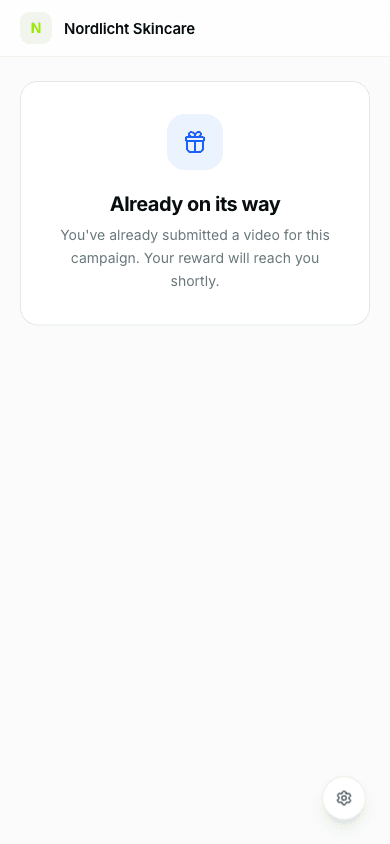
- Once a video is in review or approved, no further attempts are possible — the page then shows that the video is on its way.
- Invitation links don't expire.
Rewards for the buyer
After approval Tryvo issues the reward through Shopify:
- Discount: a personal
TRYVO-…code, delivered in yourreward_deliveredemail. - Cashback: a refund on their original order; Shopify sends the refund notification.
- Free product: a coupon code, or the product is shipped.
See Rewards for details.