 Tryvo
TryvoSettings & team
Plan and billing, brand settings, inviting team members and deleting a brand.
The Settings group in the sidebar has three pages.
Settings — plan & billing
Your current plan, its price and your usage in the current cycle: submissions, AI runs, reference uploads and campaigns, each with a progress bar and the cycle end date.
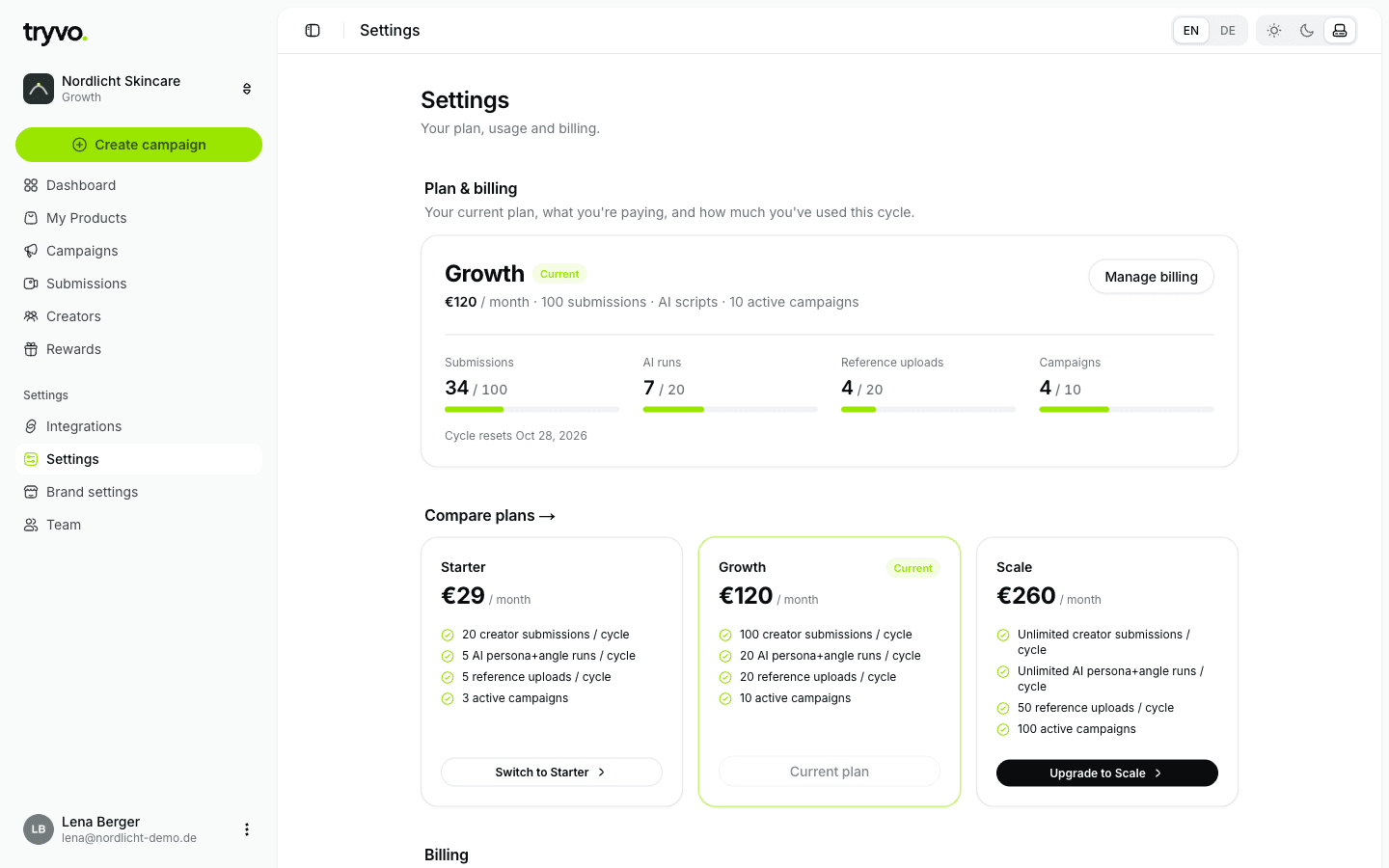
- Compare plans shows all plans with a button to switch.
- Manage billing opens billing in your Shopify admin, where you'll find invoices.
More in Plans & pricing.
Brand settings
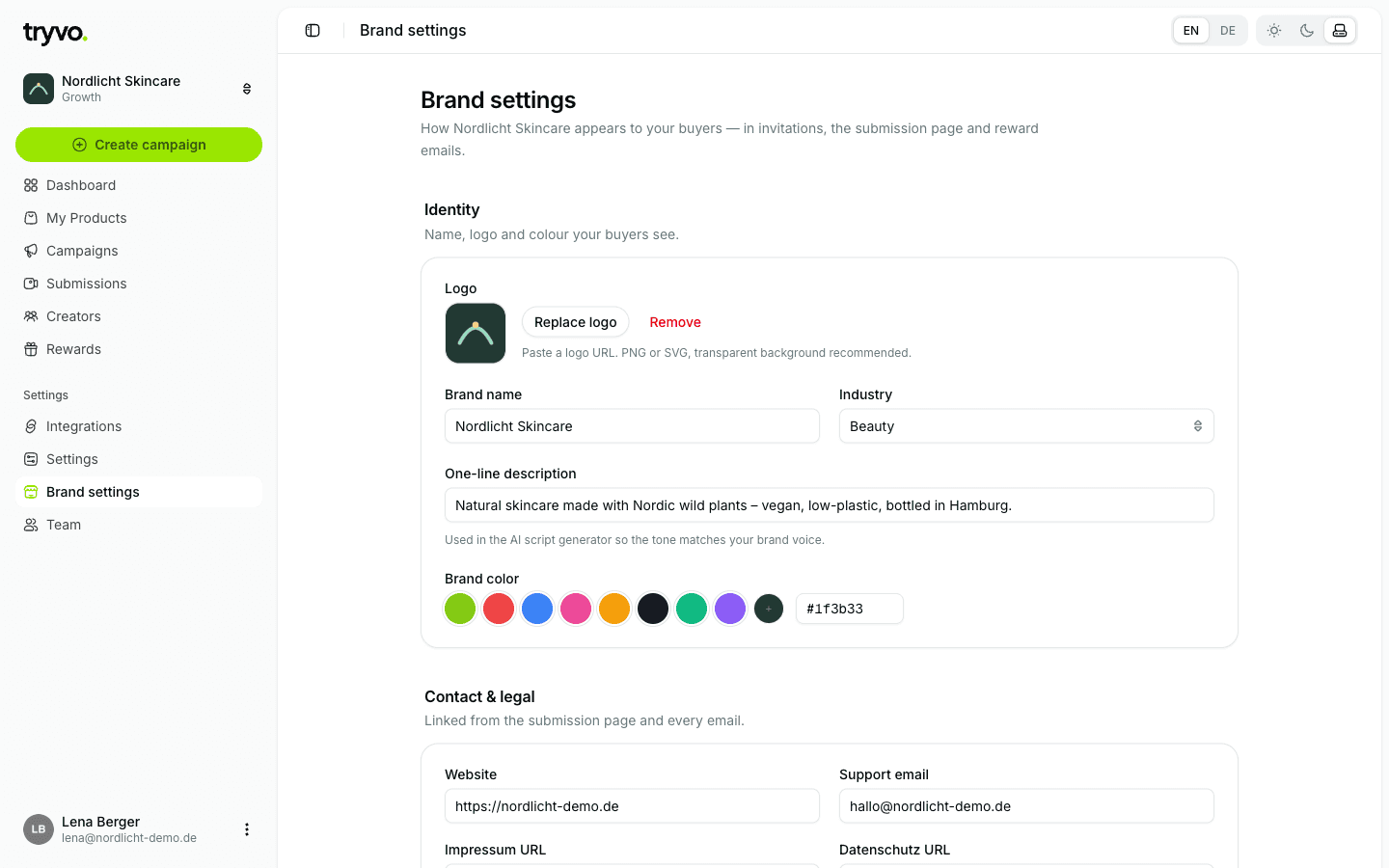
| Section | Fields |
|---|---|
| Identity | Logo, brand name, industry, one-line description, brand colour |
| Contact & legal | Website, support email, imprint URL, privacy policy URL |
| Danger zone | Delete the brand |
Your logo and brand name appear on the buyer's invitation page and are sent to
Klaviyo (brand_logo_url, brand_name) for your email templates.
Deleting a brand
Delete brand permanently removes the brand and its data from Tryvo. Only the brand's owner can delete it. The option is also available on the connect, reconnect and plan screens.
Team
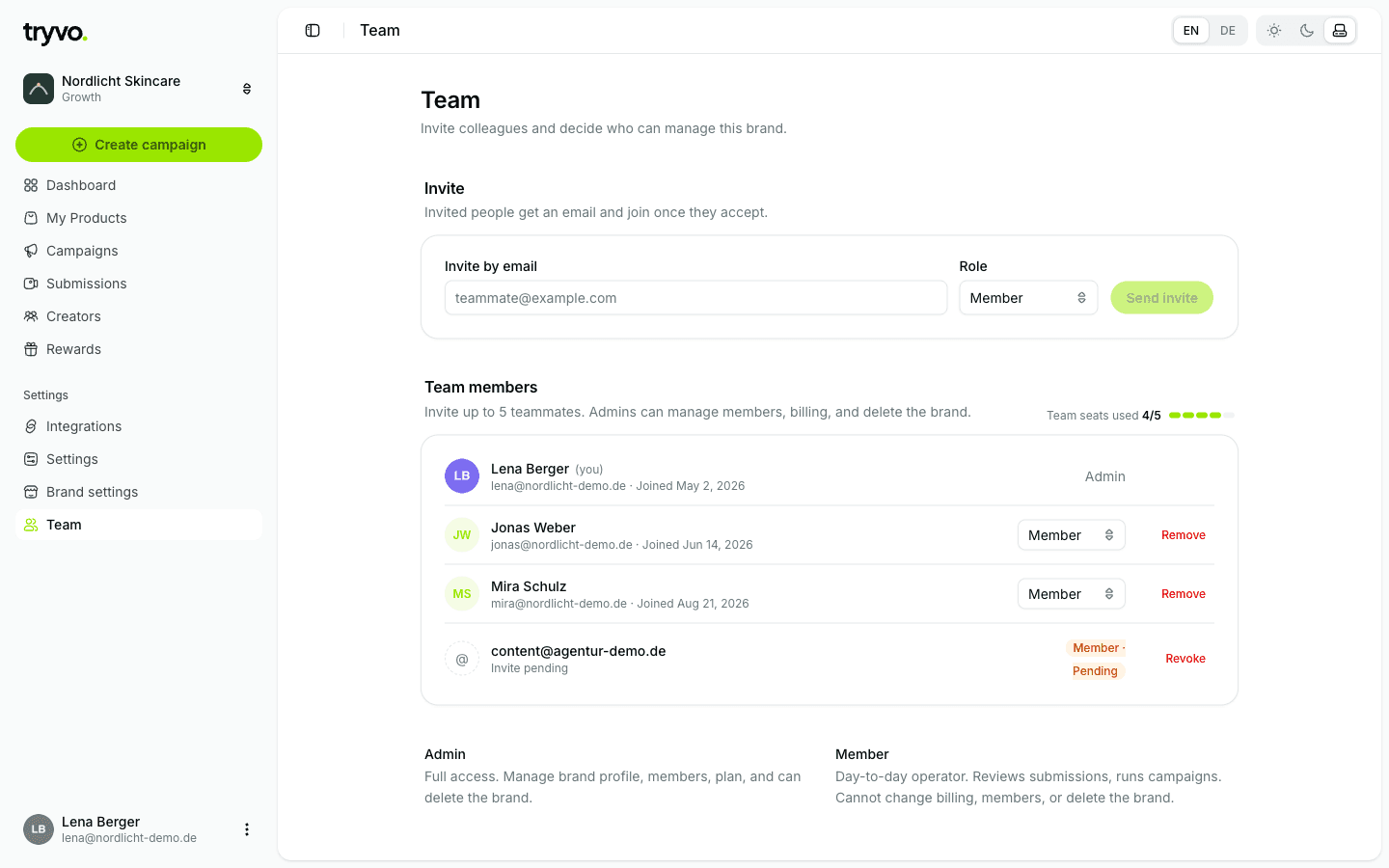
Invite colleagues by email and choose a role. Invited people get an email and join as soon as they accept. A brand has up to 5 seats (members plus pending invitations).
| Role | Can do |
|---|---|
| Admin | Full access — brand profile, members, plan; can delete the brand |
| Member | Day-to-day work — reviews submissions and runs campaigns; can't change billing or members |
You can change roles, remove members and revoke pending invitations. The last admin can't be demoted.