 Tryvo
TryvoIntegrations
Connecting Shopify and Klaviyo — sync status, resync, disconnecting and the one-store-per-brand rule.
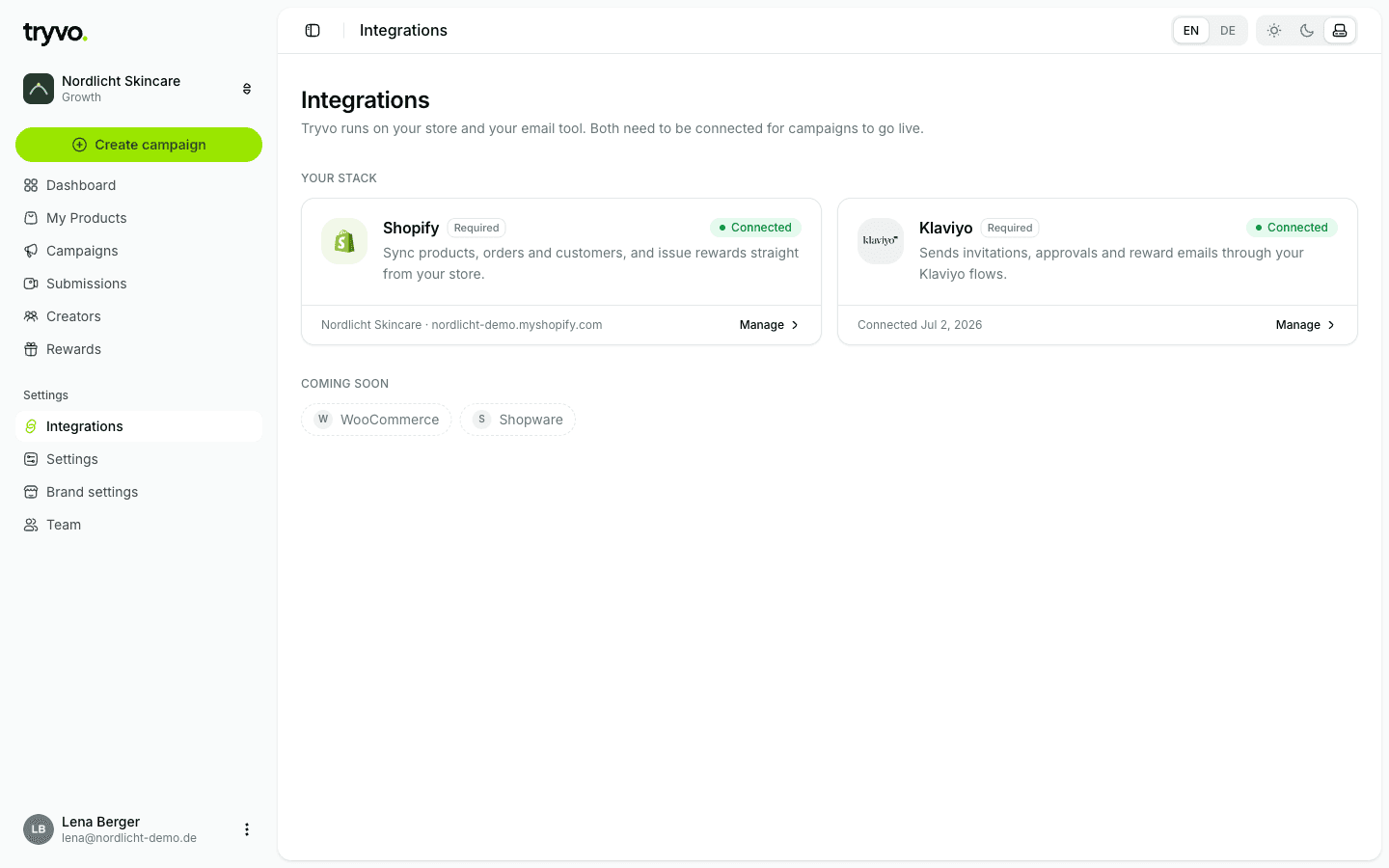
Tryvo needs two integrations, and both are required:
- Shopify syncs products, orders and customers, issues rewards and handles billing.
- Klaviyo sends invitations, approval and reward emails through your own flows.
Shopify
Connecting
Install Tryvo from your Shopify admin (or from the onboarding). After the install, Tryvo links the store to your brand, registers its webhooks and starts the first import of products, customers and orders.
Tryvo requests these Shopify permissions:
| Permission | Used for |
|---|---|
read_products | Products and images for campaigns |
read_orders, read_customers | Invitations after fulfilled orders, reach statistics |
write_orders | Cashback refunds on the original order |
write_price_rules, write_discounts | Discount-code rewards |
write_draft_orders | Free-product rewards that are shipped |
Status page
Integrations → Shopify shows products, customers and orders synced, the time of the last full import, and a checklist: live updates (webhooks), initial import and shop access.
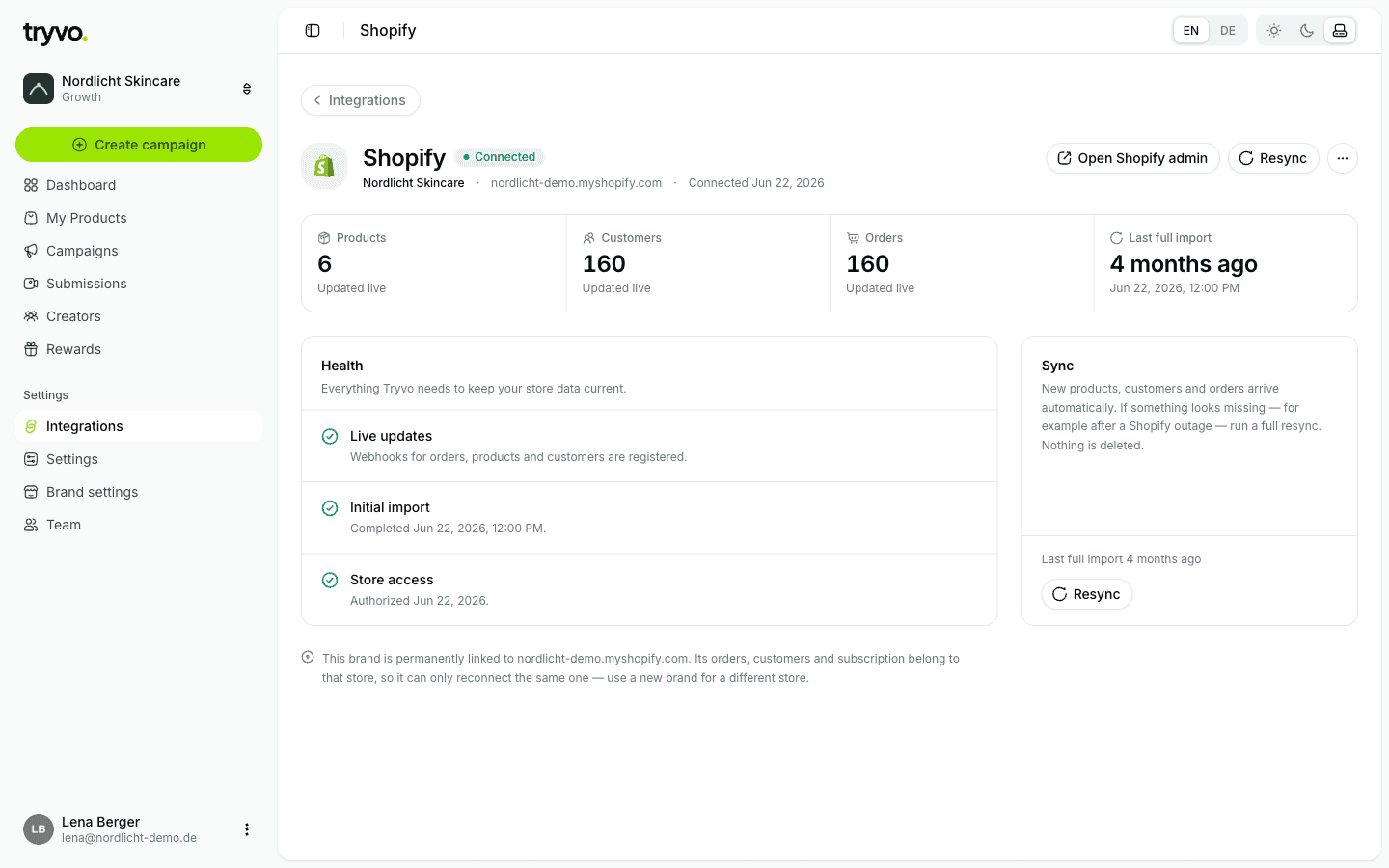
- Resync now re-runs the full import. It's safe to run any time — nothing is deleted.
- Open Shopify admin takes you to your store.
- If live updates couldn't be registered, the page explains the most likely cause and offers Retry webhook setup.
One store per brand
A brand is permanently linked to the store it was first connected to. You can reconnect that same store at any time, but not a different one — its orders, customers and subscription belong to it. For another store, create a new brand.
Disconnecting
⋯ → Disconnect uninstalls Tryvo from the store: the access token is revoked, the webhooks are removed and the subscription ends. Your Tryvo data (campaigns, videos, creators) is kept. The dashboard then shows the Reconnect Shopify screen until you reconnect the same store.
Privacy requests from Shopify
Tryvo handles Shopify's mandatory privacy webhooks: when Shopify asks to erase a customer, Tryvo removes that customer's personal data. 48 hours after an uninstall, Shopify can request deletion of the shop's data, which Tryvo then deletes (your brand itself remains).
Klaviyo
Integrations → Klaviyo → Connect sends you to Klaviyo to approve the connection. Tryvo only gets permission to send events and update profiles — it can't read your lists, segments, templates or campaigns.
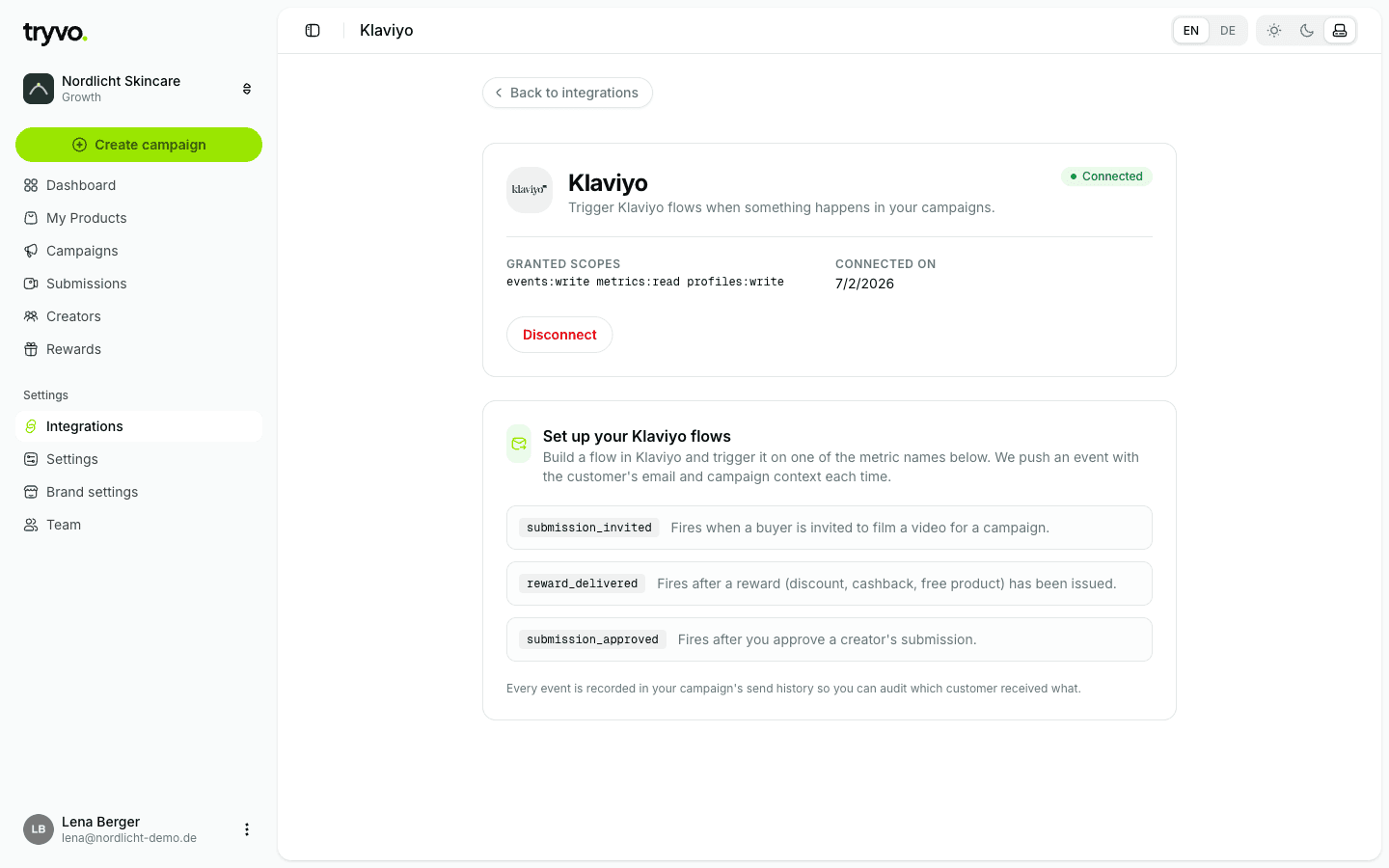
Right after connecting, Tryvo registers its three metrics in your account:
submission_invited, submission_approved and reward_delivered. Build your flows on
those — the Klaviyo guide explains everything.
Campaigns can't go live without Klaviyo. If you disconnect Klaviyo later, no more emails are sent until you reconnect.
Coming soon
WooCommerce and Shopware are on the roadmap.